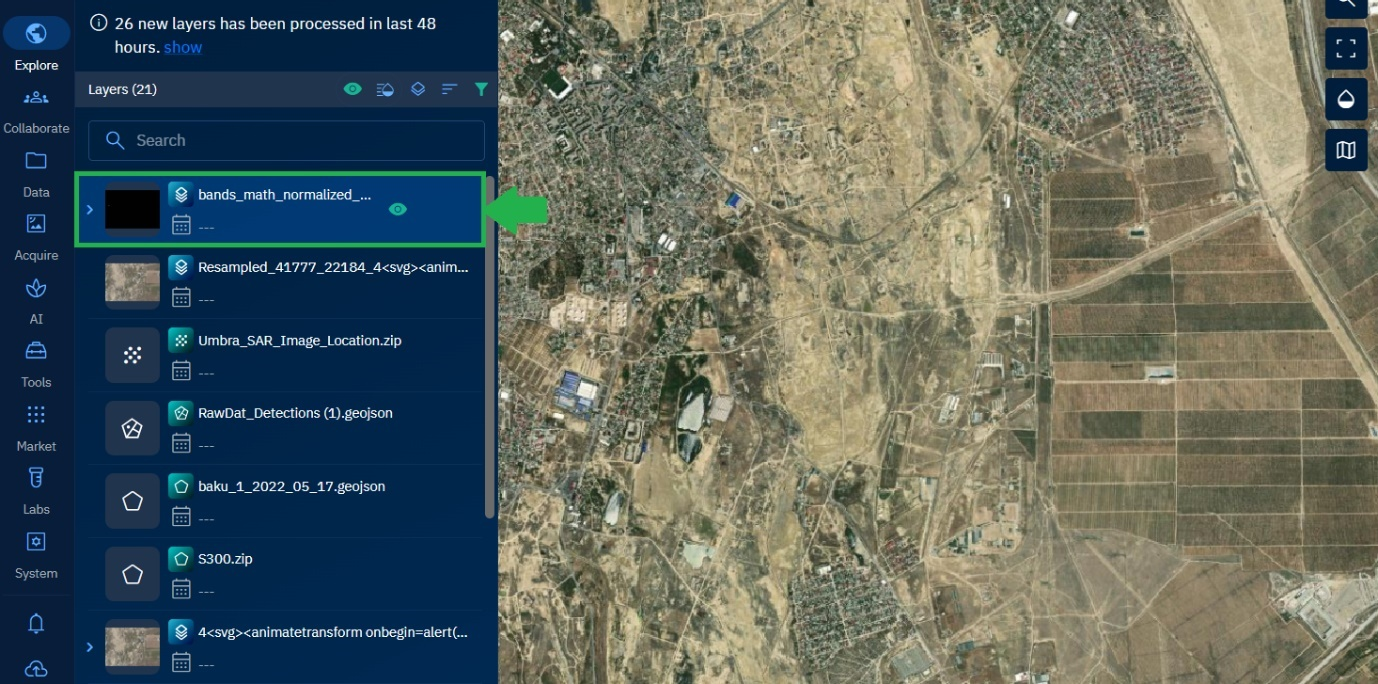
Using Actions Menu
You can select each individual inference job to view the associated imagery (used for inferencing) and the name of the AI model (used for inferencing the detections in the imagery). In addition, you can also rerun the individual job.
Rerunning Individual Jobs
You can rerun inference on any individual job, whether its status is done, failed, or cancelled.
To rerun an individual job, do the following:
-
In the Inference Jobs page, locate a job from the jobs list on which you want to rerun inference.
-
Click the More Options menu, and then select the Rerun option from the menu.
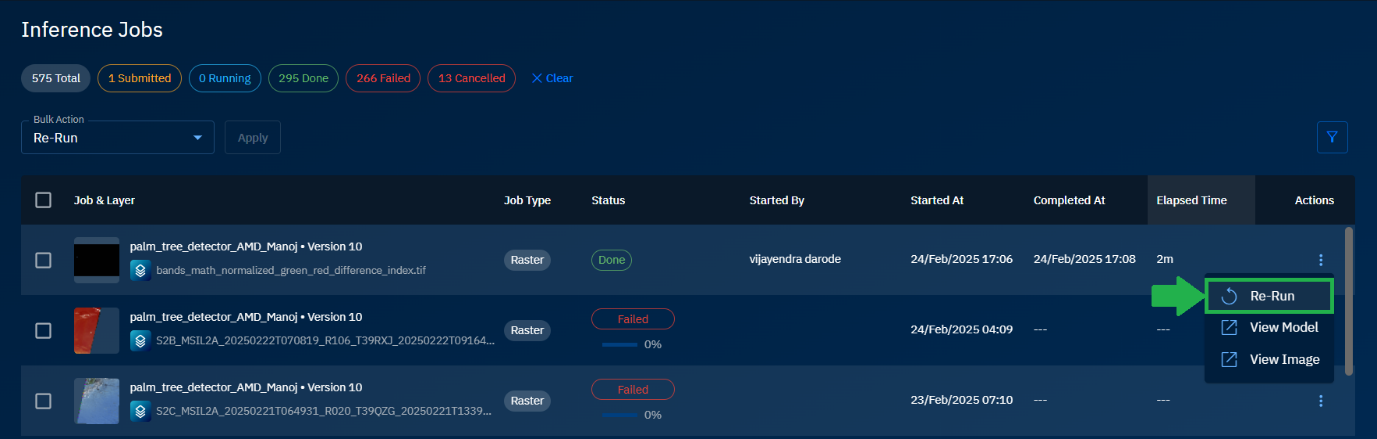
The platform starts rerunning inference on the job.
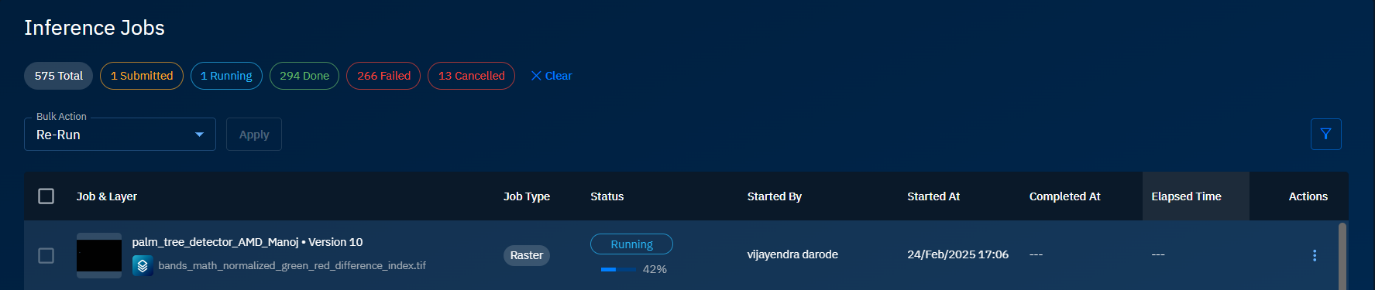
Stopping Individual Jobs
In case you change your mind, you can stop rerunning inference on the job.
To stop rerun of an individual job, do the following:
-
In the Inference Jobs page, locate the rerunning job from the jobs list.
-
Click the More Options menu, and then select the Stop option from the menu.
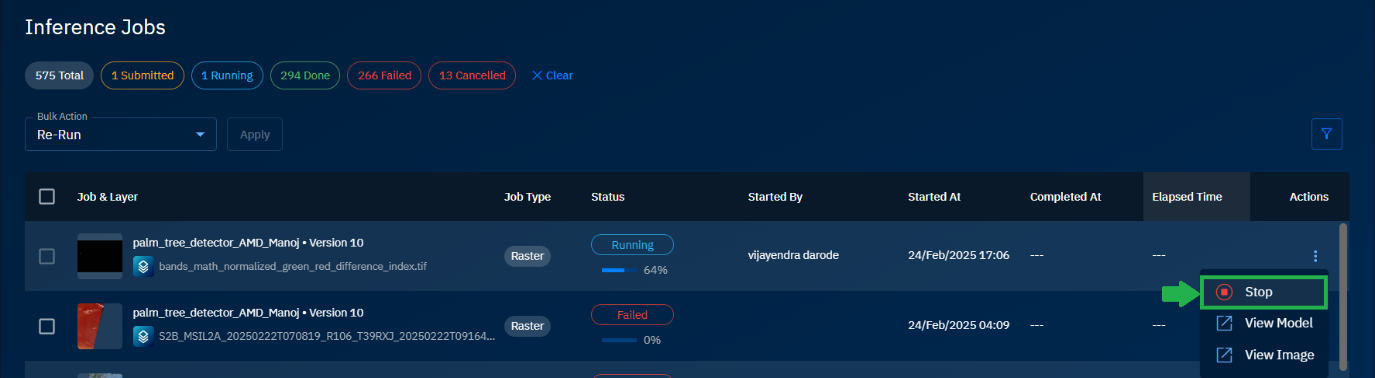
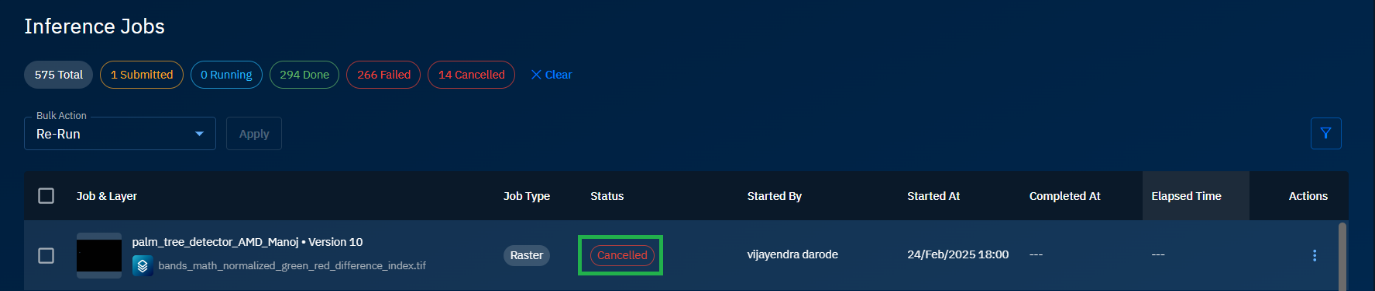
The platform stops rerunning inference on the job and displays status as Cancelled.
Viewing Associated Models
You can view the AI model or models used for running inference on an individual job.
To view models, do the following:
-
In the Inference Jobs page, locate the rerunning job from the jobs list.
-
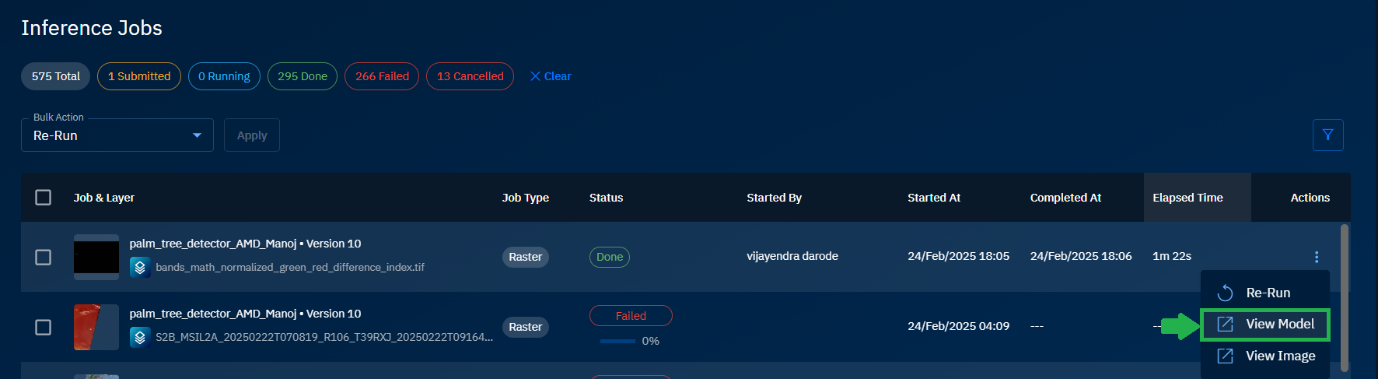
Click the More Options menu, and then select the View Model option from the menu.
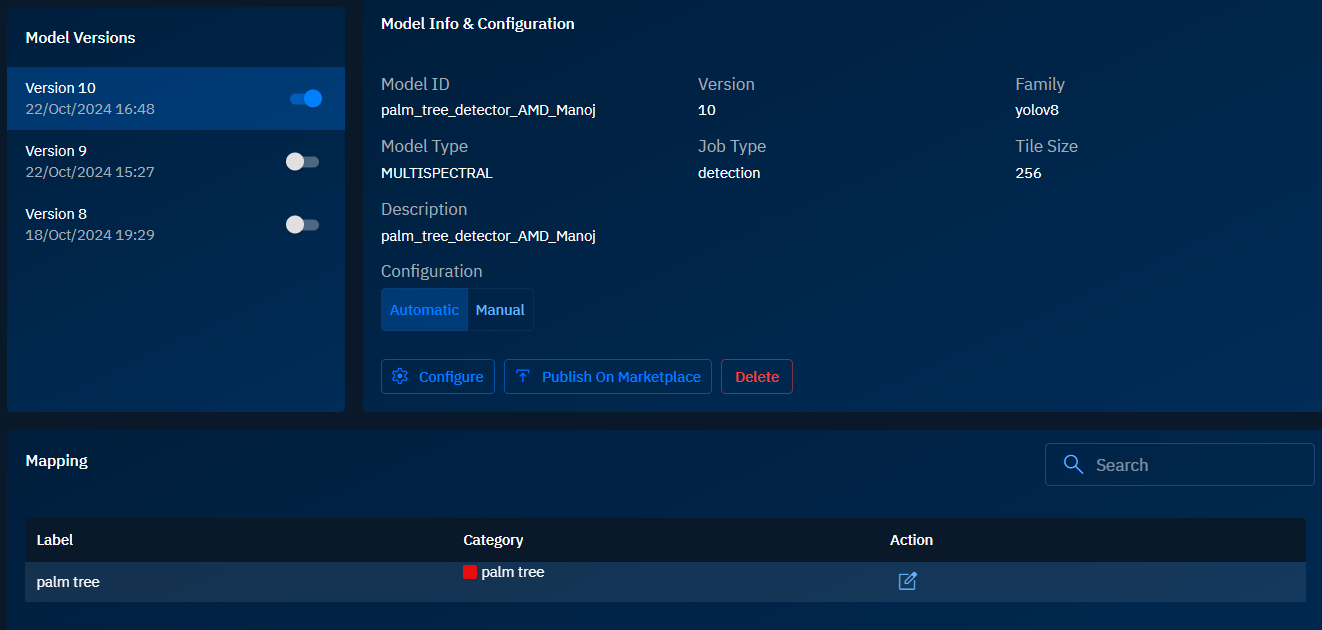
The platform displays the AI Models page. In this page, you can view the AI model, its versions (if any) description of the model, family of the model, category, and so on.
Viewing Associated Images
To view models, do the following:
-
In the Inference Jobs page, locate the rerunning job from the jobs list.
-
Click the More Options menu, and then select the View Image option from the menu.

The platform displays the Explore module page. In this page, you can view the image and all the associated information of the image namely properties, metadata, detections, and tools for resampling and unsupervised algorithms.